No bank logins
A budgeting app that never asks for your bank login
You add your pays and bills. We do the sums. Your banking password stays with you, and your data is stored in Sydney.
Why we don’t connect to your bank
Many budgeting apps start by asking you to connect a bank account. Some ask for your banking password. Others use Open Banking, where your bank shares your transactions once you agree. We do neither.
A list of what you’ve spent looks back. We look ahead: the pays still to come, the bills each one has to cover, and what’s left after them.
It also means we hold less about you. We store what you enter, and nothing from your bank.
What you enter, and what we work out
Your pays
The day you’re paid and how much lands.
Your bills
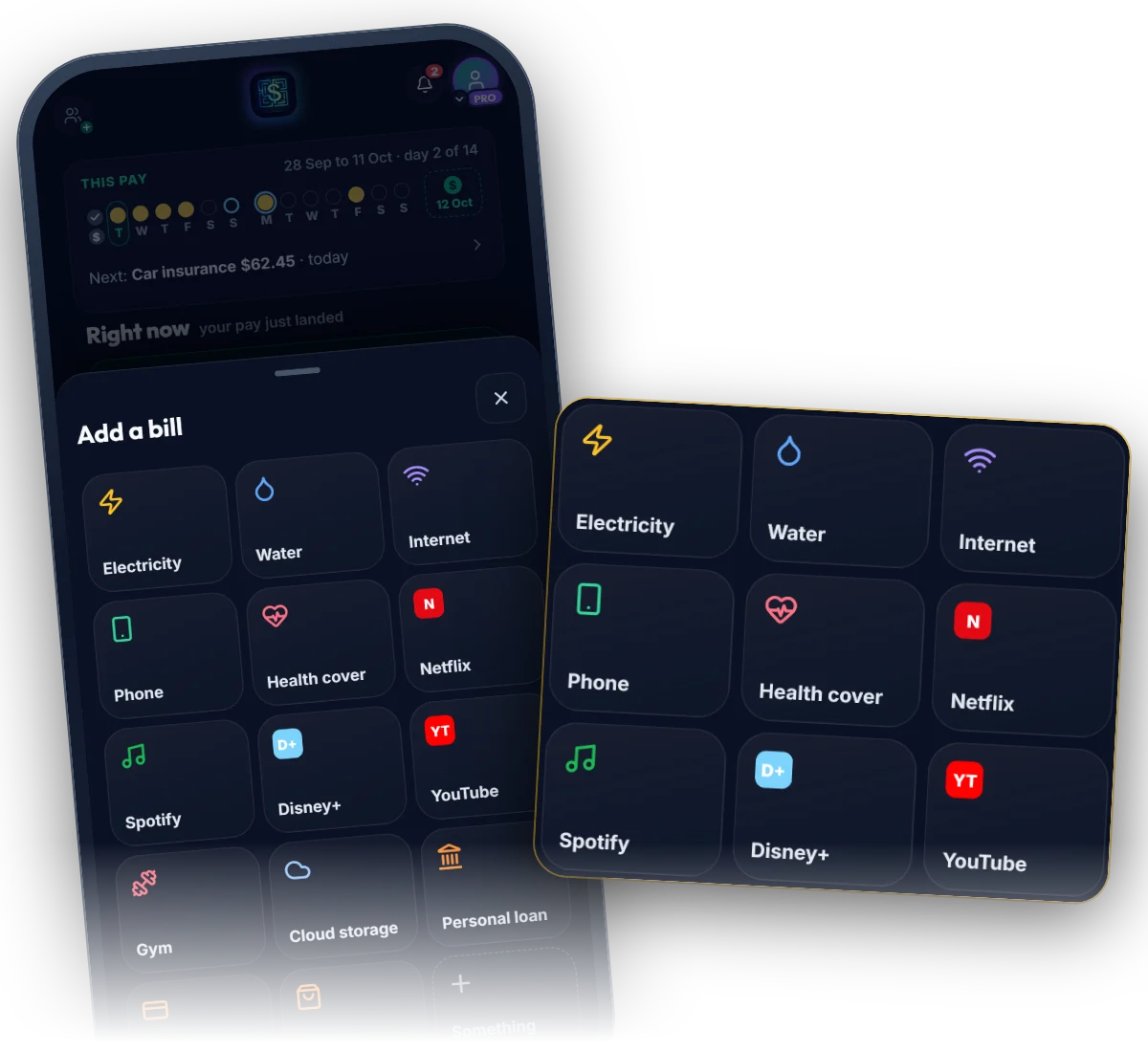
Pick each one from the list or name it yourself, then its amount and how often it comes. It repeats from there.
The sums are ours
Every bill lands in the pay that covers it, and you see one Safe to spend figure for the pay you’re in.
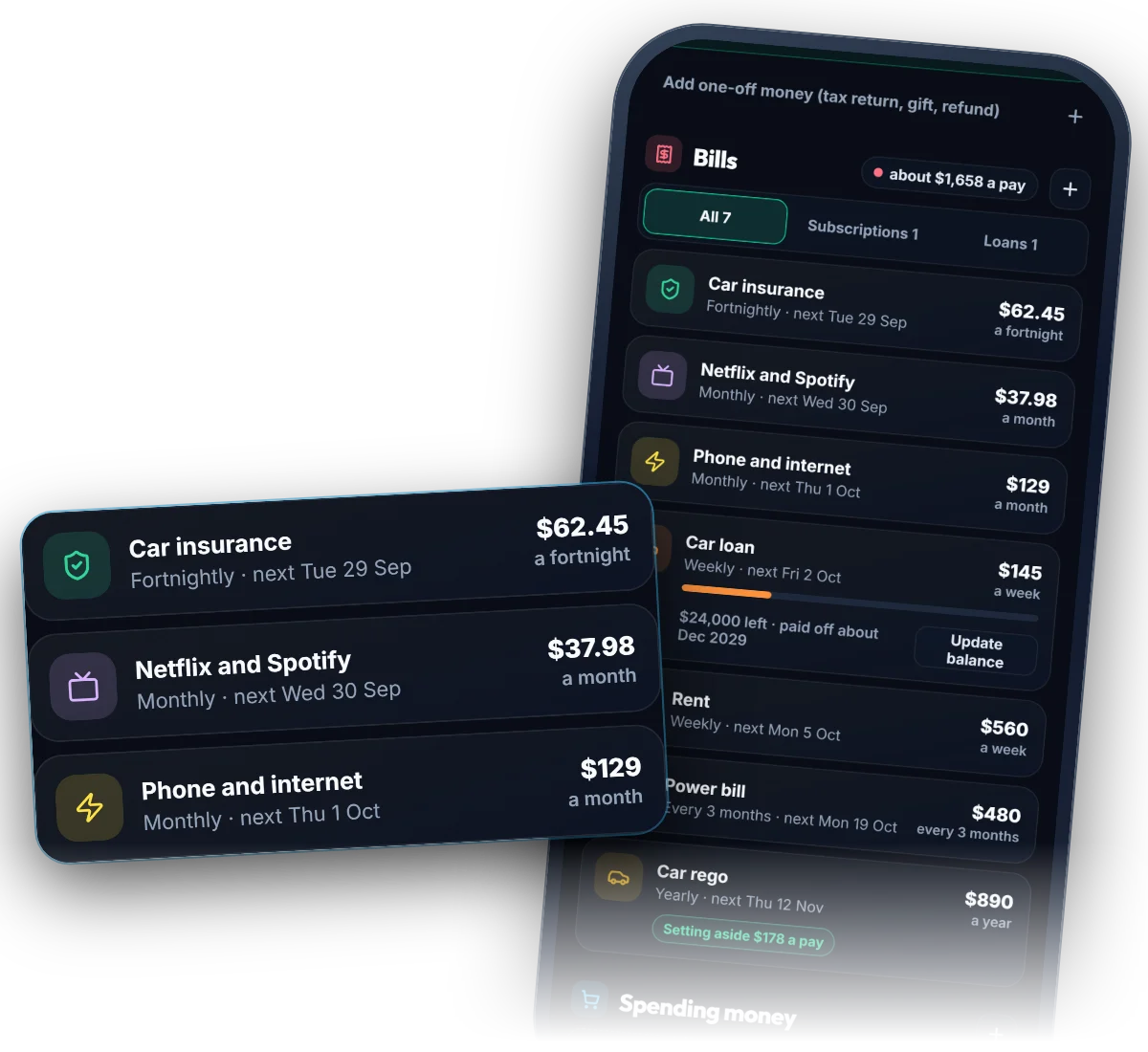
Every bill, as you entered it
Each one with its amount, how often it comes and when it’s next due. Change any of them in a tap.
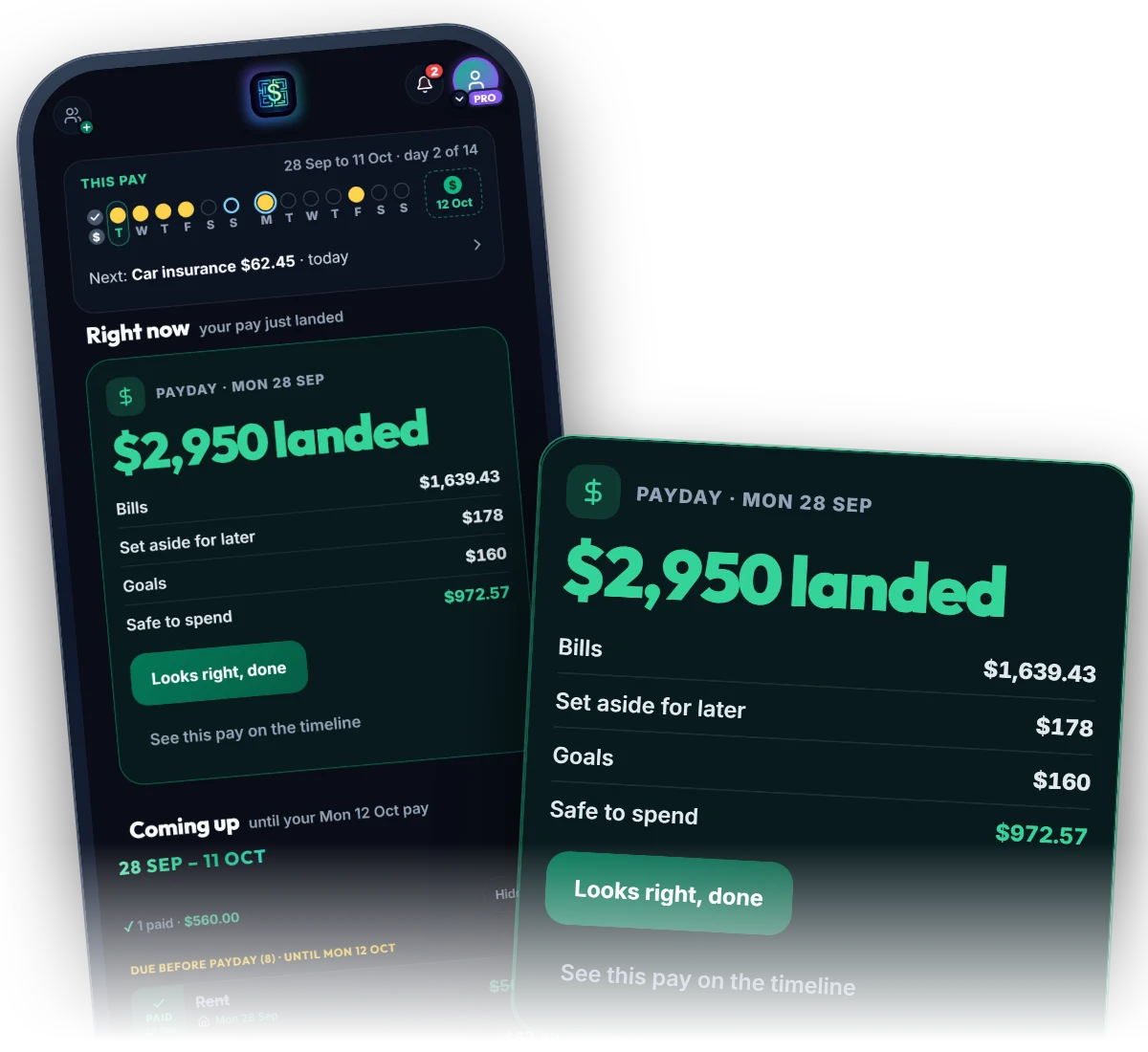
One figure, worked out from what you entered
On payday you see what landed, what the bills take, what’s put aside and what’s yours until the next pay.
Is it more work than an app that reads my bank?
There’s some setting up. You enter each pay and bill once, and they repeat from there. After that, you tick bills off as you pay them.
Do I need to enter every purchase?
No. Your pays and bills do the planning. Add a spend when you want it counted against what’s safe to spend.
Where is my data stored?
In Sydney, and it’s encrypted. We never sell it.
Do you ask for my banking password anywhere?
No. There’s nowhere in Money Maze to enter one.
Ready to see your next payday clearly?
Your first 14 days are free, and we don’t ask for a card.